No products in the cart.

Introduction
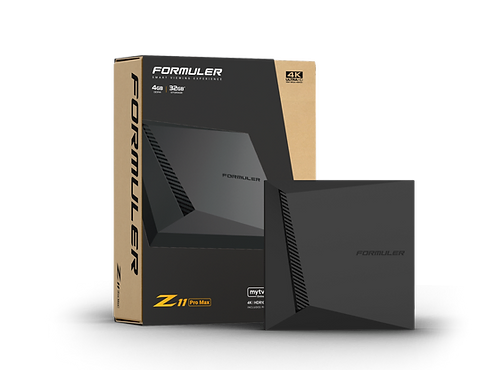
The Z11 series is intended to establish a new benchmark for all device types. Like never before, with a strong processor, video card, and of course your TV. With an Android 11 operating system, the TV box’s software has also advanced. Android 11 is the operating system that powers the Z11 series. You now have the chance to enhance your device’s capabilities. Numerous additional streaming applications or even social media might be added. The Z11 series offers complete internet support. Dual-Band WiFi is available, which means there are fewer frequency interruptions when you use it. This improves internet performance and allows for uninterrupted streaming. An excellent experience is provided by the unique IR learning remote. Your comfort and convenience are carefully considered in the ergonomic design. Use one remote to operate both your TV and Z11 series. Would you like to watch cable TV? The receiver can then be connected using the common lan wire at that point. Here, we’ll go over how to use the Formular Z11 series’ backup and restore feature.
Backup step by step –
Restore step by step –
Do we assume the USB flash drive was appropriately formatted with NTFS or FAT32? Failure could have been caused by a broken backup file, a sticking issue, or an incorrect format. You should be able to see file calling when you connect your USB stick to a computer. After saving your backup, use an instant restoration to verify that it is functioning properly.


Leave a comment